Description
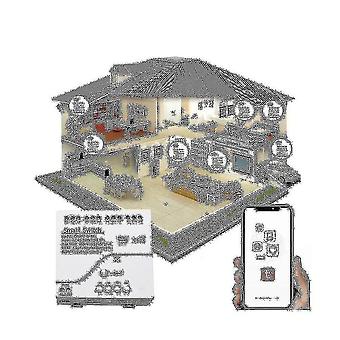
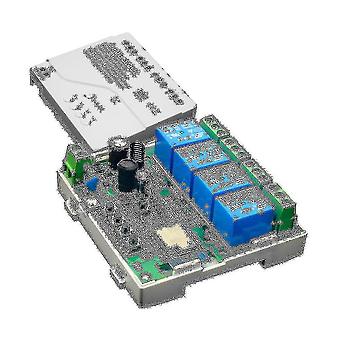
Tuya Smart Switch Wifi Diy Timer+remote Ac 85v-250v 4ch Rf Smartlife Home Automation Module For Ale
before using equipment.
Your smartphone or tablet is connected to 2.4g WiFi with internet.
You need to turn on the phone bluetooth You have the correct WiFi PWD.
Your smartphone or tablet must have access to the /.
Your router is open Input voltage:AC 85V-250V/USB 5V Maximum current:2000W/10A/group. Maximum load:3500W/164/40ang Wireless:Wi-Fi 2,4ghz b/g+Bluetooth.
Radio frequency:433Mhz.
Working temperature:-20C-70C user guide: You can search for "Tuya Smart" in the mobile .
Register for a Tuya Smart Account.
If you have a Tuya Smart account.
Just log in.
add device Reset the device first: If light (red light) is blinking , skip the reset step.
If not, power on, press and hold the Reset button for 5 seconds.
until the light blinks .
Click the + sign in the upper right corner of the Tuya Smart APP.
Then click on "Automatic Scan", wait a few seconds, when the device is found, click on "" Select a 2.4GHz Wi-Fi network and enter your password.
name your device When is disconnected, the switch will automatically switch to the Bluetooth control of the mobile phone Click the on/off button on the APP to control the device, and the manual control switch can also be displayed in real time on the APP Code pairing of the remote control Matching, click settings, RF remote control settings, add.
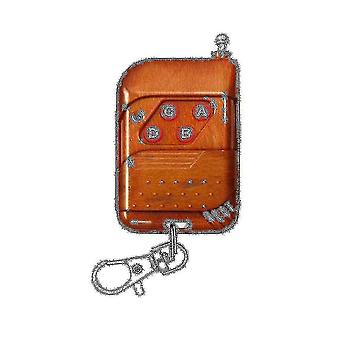
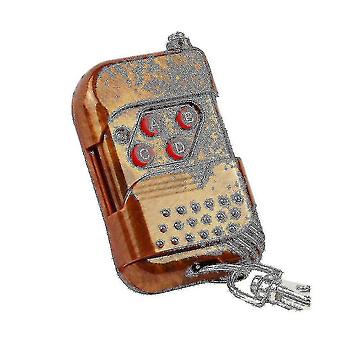
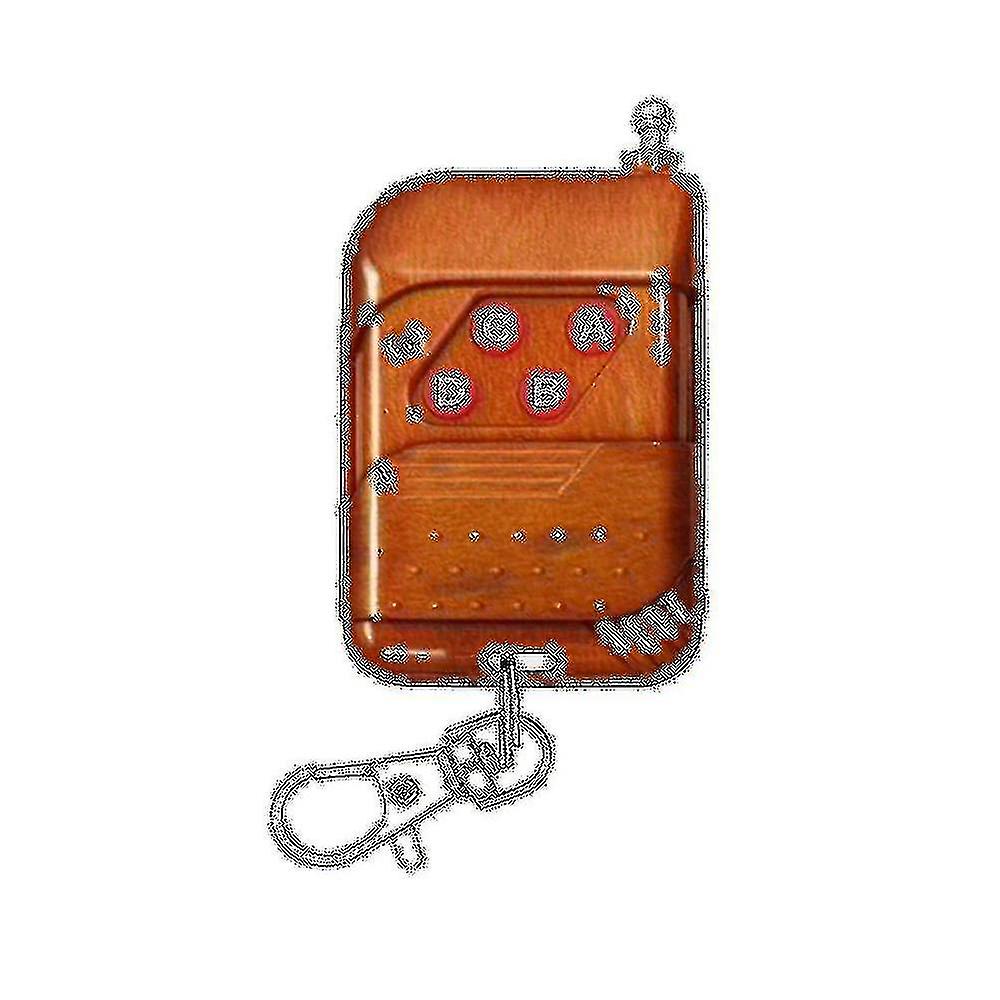
After the prompt interface -up, press and hold the remote control button that needs to be matched Release the remote control button, the matching is successful Added successfully, assign the remote control button to the switch that needs to be controlled Match other buttons, repeat steps Due to different batches, there may be differences in product appearance, color, and text, whichwill not affect the use Colour:White Material:plastic Size:81x76x28mm Package Contents: 1 * Module with Case 1 * RF433 remote control Only the above package content, other products are not included.
Note: Light reflection and different displays may cause the color of the item in the picture a little different from the real thing.
The measurement allowed error is +/- 1-3cm.
-
Fruugo ID:
209592673-446798956
-
EAN:
5142818998744
Delivery & Returns
Dispatched within 2 days
Shipping from China.
We do our best to ensure that the products that you order are delivered to you in full and according to your specifications. However, should you receive an incomplete order, or items different from the ones you ordered, or there is some other reason why you are not satisfied with the order, you may return the order, or any products included in the order, and receive a full refund for the items. View full return policy