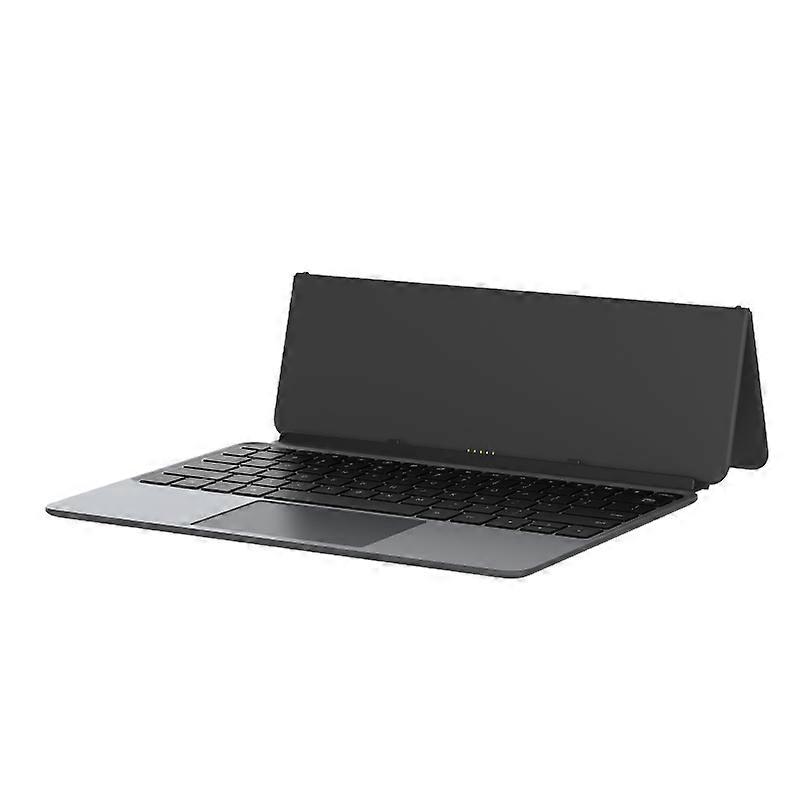
Alldocube Keyboard compatible with Ultra Pad

469,00 zł
DARMOWA wysyłka

Alldocube Keyboard compatible with Ultra Pad

  • Marka: Unbranded
Sprzedawca:

Alldocube Keyboard compatible with Ultra Pad

  • Marka: Unbranded

469,00 zł

Oszczędzasz 130,00 zł (21%)

Sugerowana cena detaliczna

599,00 zł
W magazynie
DARMOWA wysyłka

Polityka zwrotów w ciągu 14 dni

Sprzedawca:

469,00 zł

Oszczędzasz 130,00 zł (21%)

Sugerowana cena detaliczna

599,00 zł
W magazynie
DARMOWA wysyłka

Polityka zwrotów w ciągu 14 dni

Metody płatności:

Opis

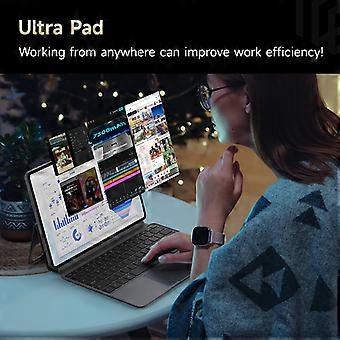
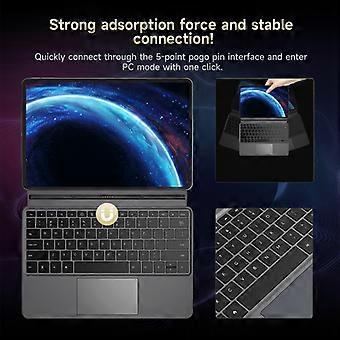
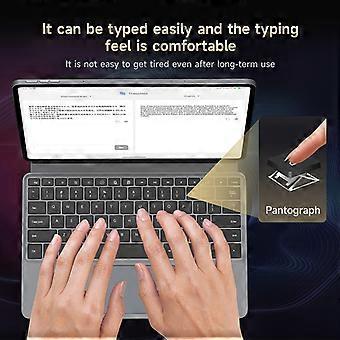
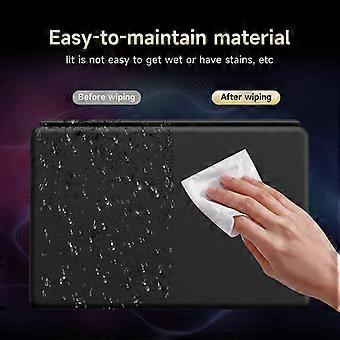
Alldocube Keyboard compatible with Ultra Pad

Alldocube Keyboard For Ultra Pad Important Note: If you have any questions, or if there are any problems with the package you received, please contact us through Aliexpress chatting as soon as possible. We have professional customer service staff and technical support, and we will try our best to assist you in solving the problem. Your understanding would be highly appreciated. Note: 1.Only the keyboard is included, not the tablet. 2.This keyboard is only compatible with Ultra Pad. Please purchase it according to your own needs. Keyboard instructions 1. Keyboard OTA upgrade The U1380 official keyboard is ALLDOCUBE/x27;s first keyboard that can be upgraded online via OTA. When the keyboard is pushed for an upgrade, it will automatically pop up a window to prompt that the keyboard is in the process of upgrading after being connected to the tablet. The upgrade takes approximately 1 to 2 minutes to complete. If there is an unsuccessful upgrade, the next time the keyboard is connected, it will remind you to upgrade again. After connecting the keyboard to the tablet, you can check the keyboard version in Settings - System Settings - Keyboard - Keyboard Firmware Version. This function will only be displayed after the keyboard is connected. It is not displayed normally. The current firmware version is 1.05 2. Keyboard language and layout switching Due to the different keyboard language usage habits in each country, it is necessary to make Settings before officially using the keyboard. The Settings are very simple and only require a few steps. 1. Open the tablet Settings APP and find the System Settings option. 2. System Settings > Language > Put the language you want to use first. Iii. System Settings > Keyboard > Physical Keyboard > uart_dock > Multilingual Settings > Select Your language. 4. System Settings > Keyboard > On-Screen Keyboard > Gboard > Language > Select Your Language > Select the keyboard style you want (it is very important to be consistent with the style of your keyboard film) - Go back. 5. Open a dialog box that allows input > Long press the space bar > On the page that pops up, select your language to complete the Settings. 3. Disable/Enable the touchpad function The ⌘/P key combination turns the touchpad function off/on. Pressing this key combination will prompt the tablet 4. The keyboard functions are mainly available in tablet mode. Some key combinations are not available in computer mode.
  • Identyfikator Fruugo: 458026653-965124651
  • EAN: 6942755935319

Dostawa i zwroty

Wysyłka w ciągu 3 dni

  • STANDARD: BEZ OPŁAT - Dostawa między czw. 12 lutego 2026–śr. 18 lutego 2026 - BEZ OPŁAT

Wysyłka z Chiny

Dokładamy wszelkich starań, aby zamówione produkty były dostarczane w całości i zgodnie z Państwa wymaganiami. Jeśli jednak otrzymają Państwo niekompletne zamówienie, przedmioty inne niż zamówione lub istnieje inny powód, dla którego nie są Państwo zadowoleni z zamówienia, mogą Państwo zwrócić zamówienie lub dowolne produkty objęte zamówieniem i otrzymać pełny zwrot kosztów za te przedmioty. Pokaż pełną politykę zwrotów

Szczegóły zgodności produktu

Prosimy o zapoznanie się z informacjami dotyczącymi zgodności dotyczącymi tego produktu podanymi poniżej.

Poniższe informacje zostały dostarczone przez niezależnego sprzedawcę zewnętrznego sprzedającego ten produkt.

Producent:
Poniższe informacje zawierają dane kontaktowe producenta danego produktu sprzedawanego w serwisie Fruugo.

  • Hangzhou Zichi Network Technology Co., Ltd
  • Hangzhou Zichi Network Technology Co., Ltd
  • Room 205, Building 3, No. 1866, Binxing Road
  • Changhe Street, Binjiang District
  • Hangzhou
  • China
  • 310000
  • 18758862577@163.com
  • 15158876167

Osoba odpowiedzialna w UE:
Poniższe informacje zawierają dane kontaktowe osoby odpowiedzialnej w UE. Osobą odpowiedzialną jest wyznaczony przedsiębiorca z siedzibą w UE, który jest odpowiedzialny za wypełnianie obowiązków związanych z przestrzeganiem przepisów w odniesieniu do danego produktu sprzedawanego na terenie Unii Europejskiej.

  • Universal International business SARL
  • Universal International business SARL
  • 254 Rue Vendome 69003 Lyon
  • Lyon
  • France
  • 69003
  • Leroy.Holliana@outlook.com
  • 33773332462