
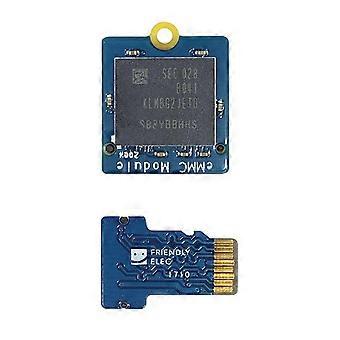
EMMC Module 32GB with Micro-SD Compatible Turn EMMC Adapter T2 for Nanopi K1 / K2 / M4V2 / NEO4
+ 15,49 zł wysyłka
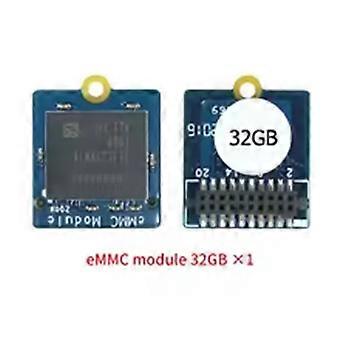
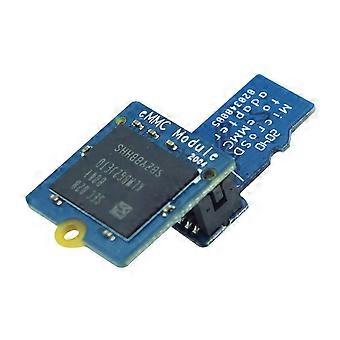
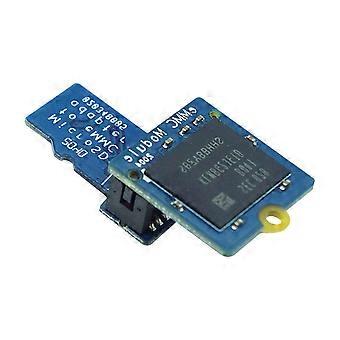
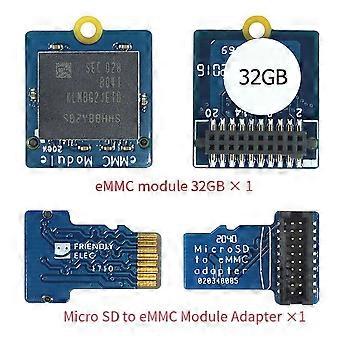
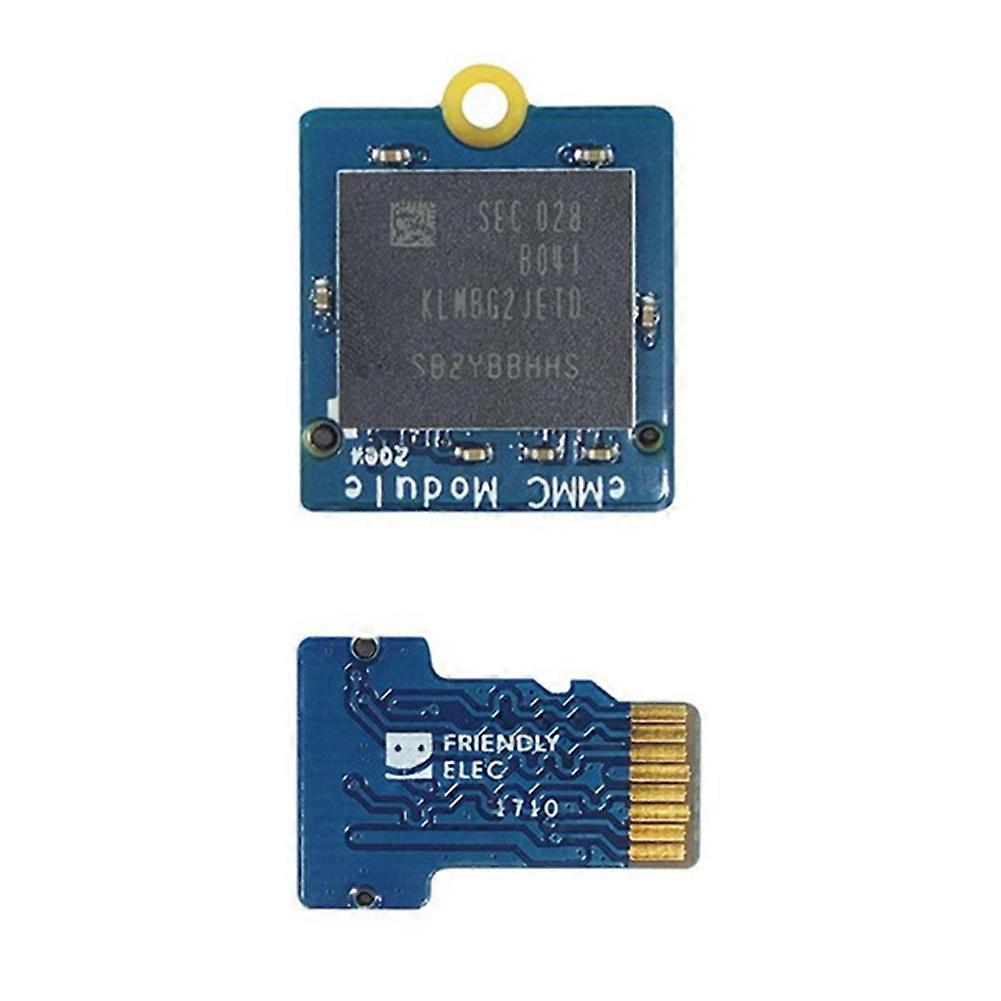
EMMC Module 32GB with Micro-SD Compatible Turn EMMC Adapter T2 for Nanopi K1 / K2 / M4V2 / NEO4
- Marka: Unbranded
EMMC Module 32GB with Micro-SD Compatible Turn EMMC Adapter T2 for Nanopi K1 / K2 / M4V2 / NEO4
- Marka: Unbranded
Oszczędzasz 80,00 zł (34%)
Sugerowana cena detaliczna
Polityka zwrotów w ciągu 14 dni
Oszczędzasz 80,00 zł (34%)
Sugerowana cena detaliczna
Polityka zwrotów w ciągu 14 dni
Akceptujemy następujące metody płatności
Opis
EMMC Module 32GB with Micro-SD Compatible Turn EMMC Adapter T2 for Nanopi K1 / K2 / M4V2 / NEO4
- Marka: Unbranded
- Kategoria: Płytki rozwojowe
-
Kolor: Blue
- Identyfikator Fruugo: 447604322-940418437
- EAN: 6131143424980
Informacje o bezpieczeństwie produktu
Prosimy o zapoznanie się z informacjami dotyczącymi bezpieczeństwa produktu określonymi poniżej
Poniższe informacje zostały dostarczone przez niezależnego sprzedawcę zewnętrznego sprzedającego ten produkt.
Dostawa i zwroty
Wysyłka w ciągu 24 godzin
-
STANDARD: 15,49 zł - Dostawa między czw. 25 grudnia 2025–pt. 02 stycznia 2026
Wysyłka z Chiny
Dokładamy wszelkich starań, aby zamówione produkty były dostarczane w całości i zgodnie z Państwa wymaganiami. Jeśli jednak otrzymają Państwo niekompletne zamówienie, przedmioty inne niż zamówione lub istnieje inny powód, dla którego nie są Państwo zadowoleni z zamówienia, mogą Państwo zwrócić zamówienie lub dowolne produkty objęte zamówieniem i otrzymać pełny zwrot kosztów za te przedmioty. Pokaż pełną politykę zwrotów
Szczegóły zgodności produktu
Prosimy o zapoznanie się z informacjami dotyczącymi zgodności dotyczącymi tego produktu podanymi poniżej.
Poniższe informacje zostały dostarczone przez niezależnego sprzedawcę zewnętrznego sprzedającego ten produkt.
Producent:
Poniższe informacje zawierają dane kontaktowe producenta danego produktu sprzedawanego w serwisie Fruugo.
- Shenzhen Haoyouqu Electronics Co., Ltd.
- Shenzhen Haoyouqu Electronics Co., Ltd.
- Room 7C185, 7th Floor, Building 210, Tairan Technology Park, Tairan 4th Road
- Tian'an Community, Shatou Street
- Futian District
- shenzhen
- CN
- 518000
- dejoiedominique@outlook.com
- 15320490316
Osoba odpowiedzialna w UE:
Poniższe informacje zawierają dane kontaktowe osoby odpowiedzialnej w UE. Osobą odpowiedzialną jest wyznaczony przedsiębiorca z siedzibą w UE, który jest odpowiedzialny za wypełnianie obowiązków związanych z przestrzeganiem przepisów w odniesieniu do danego produktu sprzedawanego na terenie Unii Europejskiej.
- 0utong GmbH
- 0utong GmbH
- Brehmstr, 56,40239 Duesseldorf
- Düsseldorf
- Germany
- 40239
- info@outong.de
- 4921131054698